

Whether you’re looking to meet new people, build your own community, or earn real income from your phone, Vone Live can make it possible. It’s a live streaming app designed for you who want more than just followers. Ready to go live? Here’s how quick and easy the Vone Live host registration process actually is.
Registration Requirements
- Vone Live download link
Let’s start by bookmarking the Vone Live app download link. - Active Gmail, Facebook, or phone number
You’ll need an active Gmail, Facebook account, or phone number to register. This is how you’ll log in and access your Vone Live host account. Make sure whichever account or number you use is one you regularly have access to. This keeps your account secure and makes it easier to recover in case you ever need to reset your login details. - Agency invitation code
This is a mandatory requirement to complete your host registration. Simply enter the code [3435306] when prompted.
Vone Live Host Registration Step-by-step
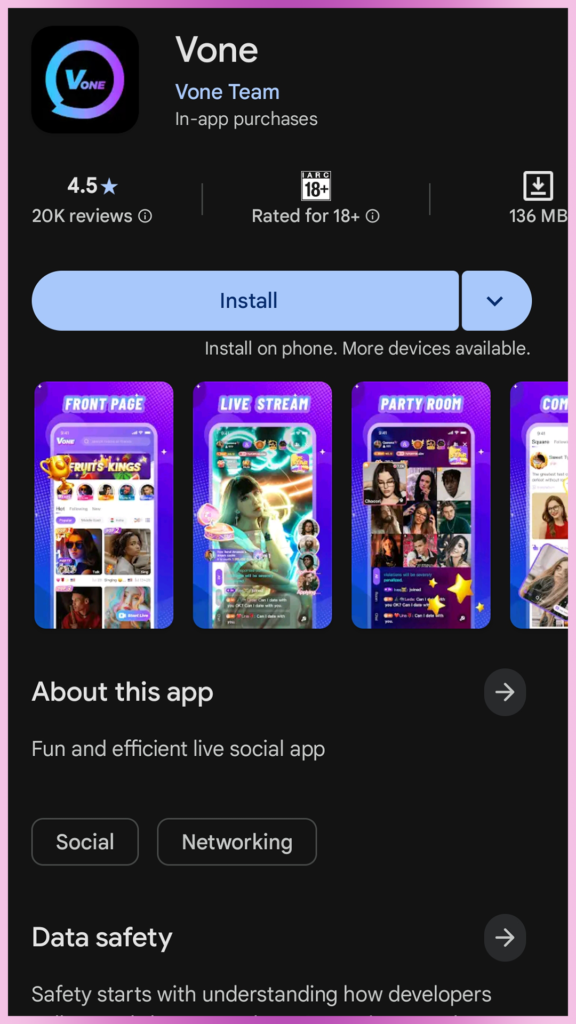
- Open the download link
First, tap on the link we mentioned earlier to begin downloading the Vone Live app. The link will redirect you to your device’s app store, where you can download the app. Wait for it to fully install before moving on, then open the app once it’s ready on your phone.
- Register your account
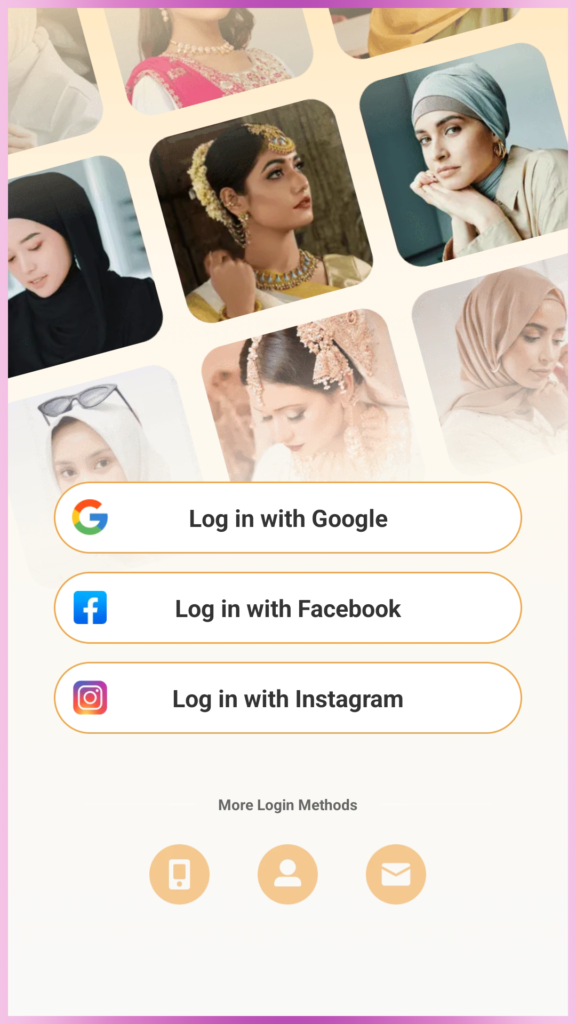
Once the app is open, you need to create your account. You can sign up using your Gmail, Instagram, Facebook account, or phone number, whichever is most convenient for you. From there, you’ll need to fill in a few basic details to set up your profile:- Nickname
- Date of Birth
- Country
- Gender
- Referral ID
Enter 3435306 in the referral ID field. Make sure the code is correct before proceeding.
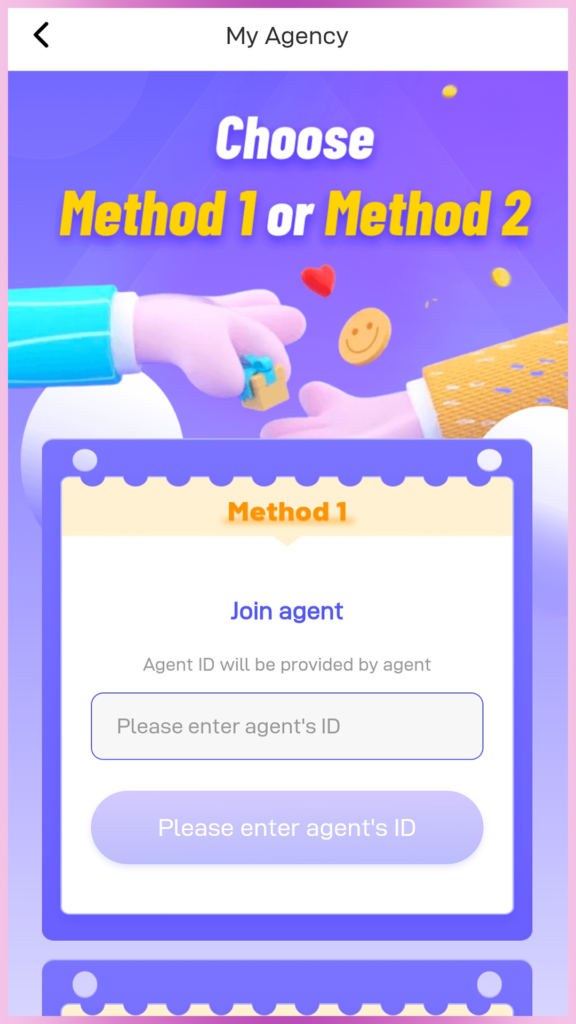
- Open the ‘My Agency’ menu
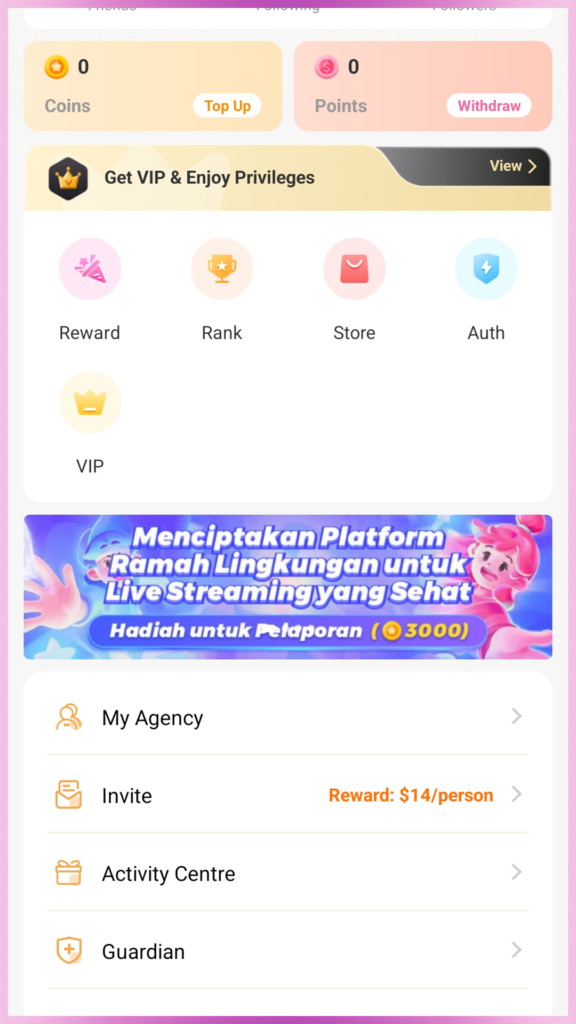
After your account is created, navigate to the ‘My Agency’ menu inside the app. You can find this in your profile menu. This is where you’ll complete the final step of your host registration by linking yourself to an agency.
- Enter the invitation code
Inside the ‘My Agency’ menu, you’ll see a field where you can enter your invitation code. Type in the agency code [3435306] exactly as provided and confirm it. Once the code is accepted, your host registration is officially complete, and you’re ready to go live on Vone Live!
Host Registration FAQs
- What if I entered the wrong username during sign-up?
No need to stress, you’re free to update your username anytime through your profile. - I registered with the wrong account. What should I do?
Simply register a new account using the right one. - Is it possible to use multiple host accounts on the same device?
No, one device can only be used to register one account. - Are users allowed to record the screen while using the application?
No. The app has built-in privacy protection that automatically blocks any screen recording.
Tips When Registering as a Vone Live Host
- Use a High-Quality Profile Photo
Make sure your photo has good lighting, and don’t forget to use makeup or filters for an appealing profile picture. Don’t upload images where your face is covered, out of focus, or excessively edited. - Do Not Use Your Actual Name
For your privacy and safety, choose a username instead of your real name. We are not responsible for anything that happens outside the app.
Vone Live Host Registration is Easy
And that’s all it takes to get started on Vone Live. If you’ve made it through registration, welcome aboard! Go ahead and explore the app and see everything that comes with being a host on the platform. Still got questions about hosting, features, or anything else? Don’t hesitate to reach out, our team is always happy to help. You can also visit our blog for Vone Live official tutorial and many more in the future.